
You can do everything right, clean copy, targeted list, good timing, and still watch the campaign disappear into spam or the promotions tab. That's the moment many teams realize email deliverability software isn't a nice-to-have, it's the only way to see what's happening between “sent” and “inbox.” If you're trying to fix sender reputation, understand Gmail or Outlook behavior, or keep a client portfolio from colliding with itself, the right stack gives you the visibility plain sending platforms don't. For a quick primer on the reputation side of the problem, it helps to avoid the spam folder.
Table of Contents
- 1. Validity Everest
- 2. SparkPost Inbox Tracker
- 4. GlockApps
- 4. GlockApps
- 5. SendForensics
- 6. Sinch Email on Acid Mailgun Inspect
- 8. Valimail Monitor Enforce for DMARC
- 8. Valimail Monitor Enforce for DMARC
- 9. dmarcian
- 10. Google Postmaster Tools
- Top 10 Email Deliverability Tools Comparison
- Take Control of Your Inbox Placement
1. Validity Everest
A deliverability problem usually shows up in the place you least want it to, a campaign is marked sent, but opens fall off and revenue follows. Validity Everest is built for that kind of situation because it covers the full workflow, not just one slice of it. It is strongest when a team needs seed and panel-based inbox placement, reputation alerts, pre-send checks, and reporting that can be pushed into internal analysis. The product lineage matters too, because it combines capabilities associated with Return Path and 250ok into one operational stack, which helps when continuity matters more than novelty.
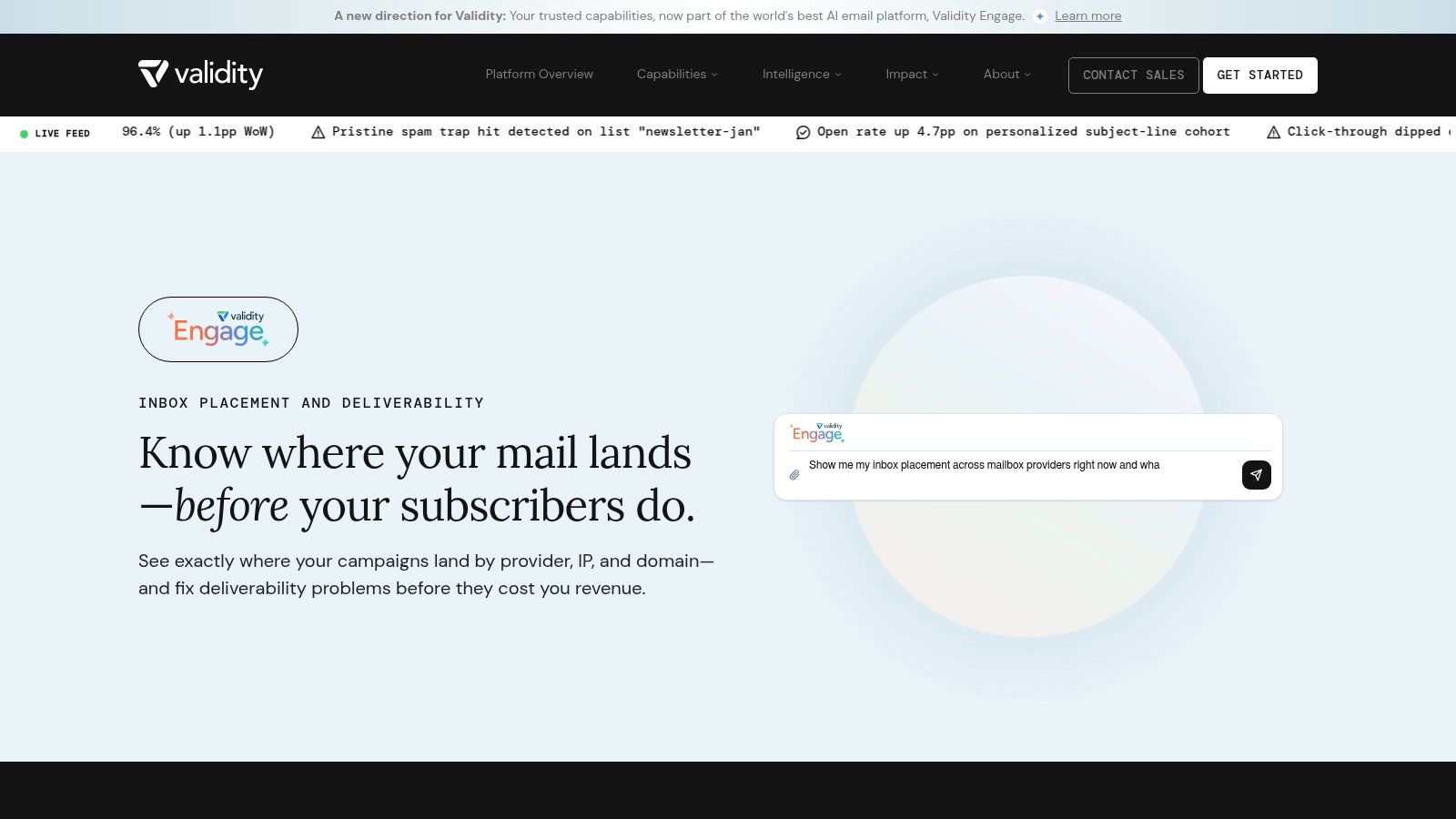
The best fit is a high-volume marketing team or an agency managing large enterprise accounts where inbox loss shows up directly in revenue. Validity's own benchmark context makes that urgency obvious, one in six legitimate marketing emails still fails to reach the inbox, and the benchmark reports 84.8% inbox placement worldwide, with 6.1% in spam and 9.1% missing, so there is real room for a platform to matter when the economics justify it Validity benchmark report.
Where it wins and where it doesn't
Practical rule: buy Everest when you need a command center, not a diagnostic toy.
That means deep visibility, alerting, and process discipline. It also means you are paying for enterprise muscle, so it can be overkill for light outbound-only teams or smaller programs that mostly need quick placement testing. If you are running B2B outreach for a SaaS client portfolio, the platform makes more sense once deliverability is a line item you actively defend, not something you check after a campaign tanks.
The official product page is Validity Everest, and it is worth pairing that kind of tooling with your broader outbound infrastructure if you are managing multiple brands through Lead Printer's B2B SaaS approach.
2. SparkPost Inbox Tracker
SparkPost Inbox Tracker is built for teams that want more context than seed tests alone can provide. Its method combines large seed lists with a permissioned consumer panel, so you can compare expected placement with what real inboxes are doing across providers. That's valuable when an ops team needs to separate a copy issue from a reputation issue, or when a marketing team keeps seeing conflicting placement signals across domains.
For practitioners, the strength is not the label on the dashboard, it's the diagnosis path. Seed-only tools tell you where mail landed in a controlled environment, while a panel adds another layer of realism, which is closer to how enterprise senders need to think about deliverability in the wild. The platform also supports APIs, so placement data, seeds, and benchmarks can flow into BI or other internal reporting systems.
Best use case for agencies and enterprise teams
This is a better fit for advanced senders than for casual testing. If your team tags campaigns carefully and understands the difference between an ISP-level symptom and a content-level cause, SparkPost can be powerful. If your team wants a simple red, yellow, green answer, the data density may feel heavier than necessary.
The trade-off is process discipline. Panel-based data is richer, but only if you know how to interpret it against your own send cadence, domain portfolio, and audience segmentation. That's why agencies with mature operations often like tools in this class, they can explain why a campaign is behaving the way it is, not just that something went wrong.
SparkPost's main site is SparkPost, and teams running managed outreach programs may want to compare it against the way Lead Printer structures outbound operations before committing to a premium analytics stack.
4. GlockApps
GlockApps is a practical choice when a team wants fast deliverability checks without stepping into a heavier platform. It centers on seed-list inbox placement tests, spam and promotions checks, plus DMARC, SPF, DKIM, and blacklist diagnostics. For a practitioner, that mix matters because it answers two early questions, whether the message landed where it should, and whether the technical setup is hurting delivery.
The main appeal is speed. If you are testing subject lines, revising copy, or checking whether a mailbox change affected placement, GlockApps gives you a quick read that is useful before a campaign goes out. That makes it a solid fit for outbound teams that need to test before they scale, and for agencies that want a lower-cost diagnostic layer before moving a client into more expensive tooling.
Best fit for outbound teams
GlockApps works best when you treat seed tests as directional, not absolute. A seed inbox does not mirror every real recipient's filtering logic, so the tool is strongest for spotting patterns, not pretending to be the final word on inboxing. That difference matters for cold outreach, where mailbox-specific behavior can vary in ways marketers often underestimate.
It also helps teams that are still deciding whether they need paid deliverability software at all. A light testing workflow can expose obvious setup problems, show whether a domain change created a placement dip, and tell you whether the next step should be a deeper platform or a cleaner sending process. That practical first pass is often enough for small outbound programs and for in-house teams that are tightening controls before they expand volume.
For agencies, the trade-off is client fit. If you manage a few domains and need repeatable checks, GlockApps is easy to justify. If you are already running a broader monitoring stack, it can feel narrow unless you use it as one layer in a wider workflow.
Teams that want a practitioner-focused view of how outbound operations are structured can compare it with the guidance in Lead Printer's blog before choosing a toolset.
4. GlockApps
GlockApps is popular because it gives cold email teams fast answers without enterprise overhead. It focuses on seed-list inbox placement tests, spam and promotions checks, plus DMARC, SPF, DKIM, and blacklist diagnostics. For a practitioner, that combination is useful because it covers the two questions that matter first, “Did the message land where I expected?” and “Is my technical setup sabotaging me?”
The appeal is speed. If you're iterating subject lines, changing copy blocks, or checking whether a mailbox move has hurt placement, GlockApps gives you a quick feedback loop. That makes it especially practical for outbound teams that need to test before they scale, and for agencies that want a lower-cost diagnostic layer before moving a client into heavier tooling.
Best fit for outbound teams
GlockApps works best when you treat seed tests as directional, not absolute. A seed inbox doesn't perfectly match every real recipient's filtering logic, so the tool is strongest for identifying patterns, not pretending to be the final word on inboxing. That distinction matters for cold outreach, where mailbox-specific behavior can vary more than marketers expect.
It's also a good fit for teams that are still figuring out whether they need paid deliverability software at all. Neutral guidance increasingly suggests that senders under about 100K monthly emails can get far with a free-first stack of provider dashboards and diagnostics bulkemailchecker guidance on monitoring tools. GlockApps is the step up when free tools stop answering enough questions and you need fast, repeatable testing in one place.
For outbound operators, the tool pairs naturally with a tactical playbook, and the practical copy and infrastructure side of that work is often where Lead Printer's blog becomes more useful than another generic “best tools” list.
5. SendForensics
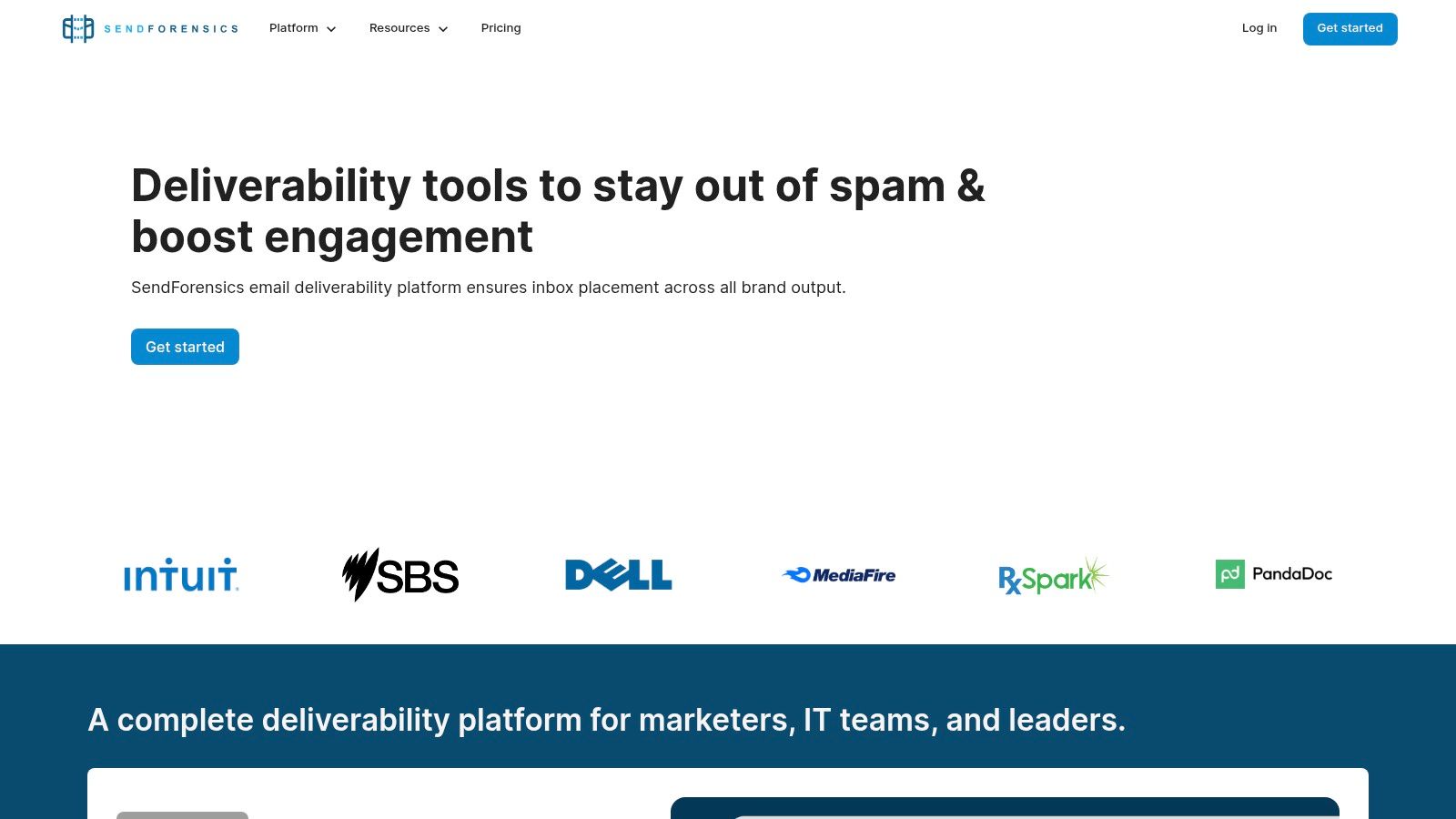
SendForensics is built for teams that test often and need a mix of pre-send QA and ongoing risk scoring. Its value is in the balance, content diagnostics, reputation checks, seed-based placement tests, and segmentation by domain or business unit. That makes it a strong middle-ground option for teams that want more than a one-off testing tool but don't want to jump straight into an enterprise suite.
The biggest practical advantage is iteration speed. If your team is continuously adjusting copy, sender setup, or domain strategy, unlimited tests with fair-use caps are a real workflow benefit. You can run checks repeatedly without feeling like every edit is a budget decision, which is exactly how a lot of agencies and in-house lifecycle teams work during busy launch cycles.
Where practitioners feel the friction
SendForensics is useful, but it asks the user to know what the signals mean. Seed-based placement still can't perfectly mimic recipient-specific filtering, so the tool is best used as a risk detector and QA layer, not as a replacement for actual provider visibility. That's why non-specialists sometimes need onboarding, the UI is deeper than it first appears.
The right question is whether your team wants a platform that helps catch problems early or one that automates the whole deliverability conversation. SendForensics is stronger on the first. It's also a good fit for teams managing multiple sending domains, because segmentation by business unit keeps reporting cleaner when one brand's behavior shouldn't contaminate another's analysis.
Visit SendForensics if your team lives in constant test-and-tune mode and needs a deliverability workspace that keeps pace with that cadence.
6. Sinch Email on Acid Mailgun Inspect
Sinch Email on Acid, alongside Mailgun Inspect, is best understood as a pre-send quality gate. It covers spam filter checks, blocklist checks, rendering previews, and accessibility checks, and the Mailgun Inspect side makes it more API-friendly for teams that want usage-based embedding inside their own systems. That makes it especially useful for developers and marketing ops teams that want deliverability checks to happen before a send ever reaches production.
This is the tool to use when your problem is preventable failure. Broken HTML, rendering issues, missing accessibility elements, and obvious spam-filter red flags are all things that can be caught upstream. That's a different job from inbox monitoring after send, and that distinction matters because a lot of teams try to make one product do both jobs badly.
Why this belongs in the QA layer
The strongest use case is process integration. If your team already has deployment or approval workflows, Mailgun Inspect can fit into a more technical stack, while Email on Acid remains useful for manual review and broad QA. That's a nice fit for SaaS companies, agencies with developers in the loop, or any team that wants checks to live closer to the build process.
The limitation is straightforward. This is not a replacement for ongoing inbox placement monitoring, so if you only buy this category of tool and skip post-send visibility, you'll still be blind to provider-side reputation issues. The best teams use it as a gate, not a finish line.
The official product page is Sinch Email on Acid, and if your outbound process needs a stronger technical foundation, it's worth aligning QA with the infrastructure work Lead Printer typically handles for B2B programs.
8. Valimail Monitor Enforce for DMARC
Valimail is the DMARC specialist in this group. It gives you aggregate DMARC reporting, visualization, a guided path toward p=quarantine or p=reject, and DKIM health checks, with BIMI support depending on edition. For teams that know authentication affects deliverability but have not fully enforced policy yet, it is a practical way to move from visibility to control. It also fits naturally with broader mail security protocols for senders, which matters once you start treating authentication as an operational control, not a checkbox.
The reason DMARC matters so much is simple. Many domains look authenticated without being fully enforced. Analysts have found that valid SPF, DKIM signing, and published DMARC are common, yet far fewer domains use p=reject, the stronger enforcement posture. That gap is where a platform like Valimail earns attention, because it shows where authentication is present, where it is weak, and where enforcement still needs work.
Why it matters for agencies and in-house teams
Valimail is especially useful in multi-domain environments. Agencies, MSPs, and internal teams with several brands need a clean way to monitor authentication posture without manually stitching together raw reports. The free Monitor tier lowers the barrier to entry, while the paid side makes more sense once a team needs tighter enforcement, clearer delegation, and less manual review across domains.
That trade-off is practical. A marketing team running a few carefully managed brands may only need visibility and alerting, while an outbound agency or a larger in-house group usually needs stronger policy control and a repeatable workflow. If you are deciding whether the investment is justified, a deliverability ROI calculator helps frame the cost against the time saved and the risk reduced.
For teams that want less guesswork, Valimail is strongest where authentication policy and operational accountability meet. It is less about inbox placement testing than about making sure your domains are authorized the way they should be.
8. Valimail Monitor Enforce for DMARC
Valimail is the DMARC specialist in this group. It gives you aggregate DMARC reporting, visualization, a guided path toward p=quarantine or p=reject, and DKIM health checks, with BIMI support depending on edition. For teams that know authentication is part of deliverability but haven't fully enforced policy yet, it's a strong way to move from visibility to control.
The reason DMARC matters so much right now is simple, many domains look authenticated without being fully enforced. One benchmark found 94% of commercial senders had valid SPF, 91% had DKIM signing, and 75%+ of Fortune 500 domains published DMARC, but only 35% of those DMARC records were set to p=reject, the stronger enforcement posture Digital Applied benchmark. That gap is exactly where a platform like Valimail earns attention.
Why it matters for agencies and in-house teams
Valimail is especially useful in multi-domain environments. Agencies, MSPs, and internal teams with several brands need a clean way to monitor authentication posture without manually stitching together raw reports. The free Monitor tier lowers the barrier to entry, while the paid side is where guided enforcement becomes more serious.
Practical rule: DMARC monitoring alone won't improve inbox placement. It makes you safer and more credible, but you still need placement testing.
That's the right mental model. Authentication tools protect the domain, but they don't tell you whether content, cadence, or reputation is pushing mail into junk. If you're calculating the business case for enforcement, a Lead Printer ROI calculator can help connect inbox protection to pipeline economics. For more on the protocol layer itself, mail security protocols for senders is a useful companion read.
9. dmarcian
dmarcian is the DMARC platform that tends to appeal to teams who want education and management in the same place. It covers DMARC, SPF, and DKIM reporting with clear visualization, alerts, and ongoing monitoring, which makes it easier to move from passive observation to active enforcement across multiple domains. That educational angle matters because a lot of teams understand the acronym but not the operational steps behind it.
The strongest use case is a team that's still building internal confidence around authentication. If you're rolling out DMARC for the first time, or helping clients do it across a domain portfolio, dmarcian's guidance-oriented approach lowers friction. MSPs and agencies often like that because it creates a repeatable way to explain what's happening to stakeholders who don't live in deliverability every day.
Where it differs from broader deliverability suites
dmarcian is not trying to replace inbox testing or reputation monitoring. That's a good thing, because DMARC is one piece of the stack, not the whole stack. The tool is best used to protect sender identity and keep policy changes visible, while another product handles actual inbox placement behavior.
Pricing can rise with more domains and volume, so the fit gets better when you need structure across multiple properties. For a single low-volume sender, it may feel more like a governance tool than a daily-use platform. For a multi-brand company, that governance is exactly what keeps authentication from becoming a spreadsheet problem.
The product homepage is dmarcian, and it belongs in the toolkit of any team treating authentication as an ongoing discipline rather than a one-time setup task.
10. Google Postmaster Tools
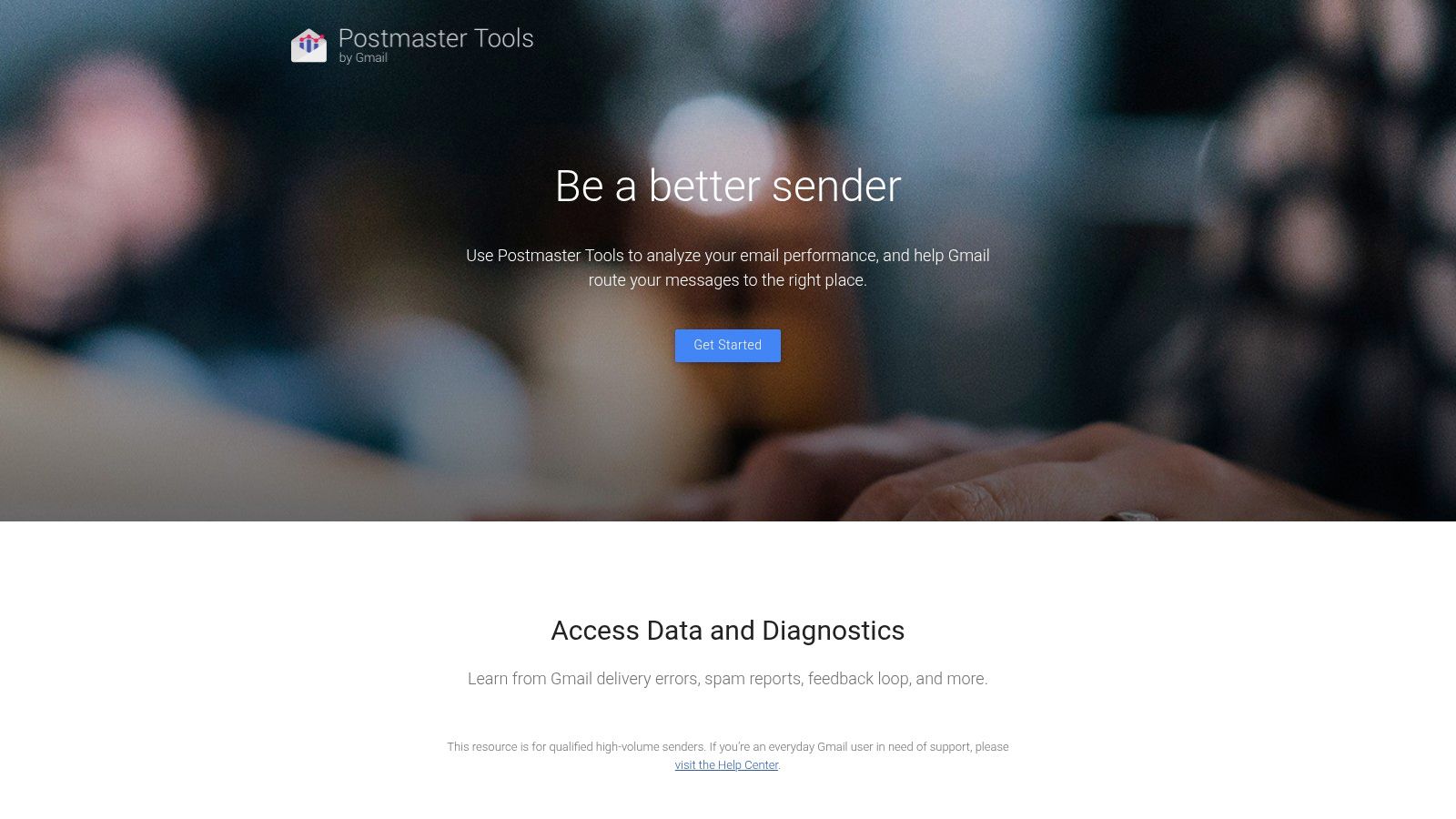
Google Postmaster Tools is the first tool most serious Gmail senders should check because it's free, first-party, and specific to how Gmail sees your mail. It gives you domain and IP reputation, spam complaint and authentication metrics, and delivery error details, which makes it the baseline signal for any program with meaningful Gmail volume.
That first-party angle matters. Gmail is a major mailbox environment, and when placement gets weird there, guesswork wastes time. Postmaster Tools won't solve the problem on its own, but it tells you whether Gmail considers the domain healthy enough to trust, which is often the fastest way to separate a reputation problem from a content problem.
Why it belongs in every stack
This is the easiest tool to justify and the hardest to replace. It's free, authoritative, and directly relevant to the mailbox provider many teams care about most. The limitation is obvious too, it only works when you send enough volume to populate data, and it only tells you about Gmail, so other providers need separate coverage.
For agencies, the operational lesson is clear. If Gmail is a meaningful share of your client's audience, Postmaster Tools should sit next to your other dashboards, not behind them. For in-house teams, it's the first place to look before arguing about copy, cadence, or list quality.
Use Google Postmaster Tools as your baseline, then layer in testing and DMARC monitoring so you're not trying to diagnose inbox placement with a single lens.
Top 10 Email Deliverability Tools Comparison
| Tool | Core features | Quality (★) | Price & value (💰) | Target audience (👥) | Unique selling points (✨/🏆) |
|---|---|---|---|---|---|
| Validity Everest | Seed & panel inbox placement, reputation/blacklist alerts, pre‑send checks, APIs | ★★★★★ | 💰 Enterprise (> $1k/mo) | 👥 Enterprise / high-volume senders | ✨ Consolidates Return Path + 250ok, 🏆 enterprise-grade analytics |
| SparkPost Inbox Tracker | Large seed lists + consumer panel, ISP diagnostics, benchmarks, APIs | ★★★★★ | 💰 Quote / enterprise | 👥 Enterprise & advanced senders | ✨ Panel + seed methodology, mature APIs |
| Inbox Monster | Inbox placement, engagement diagnostics, spam-trap & blocklist monitoring, analyst services | ★★★★☆ | 💰 Mid–high four‑figs/year+ | 👥 High-throughput senders | ✨ Option to pair software with analyst support |
| GlockApps | Seed-list placement tests, DMARC/SPF/DKIM checks, content/spam analysis, scheduled tests | ★★★★ | 💰 Affordable entry, good ROI for SMBs | 👥 Cold email teams, SMBs | ✨ Fast feedback loops, cost‑effective testing |
| SendForensics | AI-driven deliverability scoring, seed tests, blacklist/auth checks, team workflows | ★★★★ | 💰 Moderate, fair‑use/unlimited test caps | 👥 Ops teams & frequent testers | ✨ AI scoring, balanced pre/post-send visibility |
| Sinch Email on Acid (Mailgun Inspect) | Spam filter checks, blocklist checks, rendering previews, API-first Inspect | ★★★★ | 💰 Usage-based / varied SKUs | 👥 Devs, QA & pre-send teams | ✨ Developer-friendly APIs, rendering + spam QA |
| MXToolbox Delivery Center | DNS/auth diagnostics, sender reputation & blacklist monitoring, SPF/DMARC support | ★★★ | 💰 Paid tiers, setup required | 👥 Ops / infrastructure teams | ✨ Early-warning DNS/auth monitoring for ops |
| Valimail (Monitor/Enforce) | DMARC reporting, guided enforcement, DKIM health, BIMI support | ★★★★ | 💰 Free Monitor + paid enforcement tiers | 👥 Brand/security teams, enterprise | ✨ Guided path to enforcement, 🏆 strong policy automation |
| dmarcian | DMARC/SPF/DKIM reporting, visualization, alerts, domain scaling | ★★★ | 💰 Domain & volume pricing | 👥 MSPs/agencies, teams new to DMARC | ✨ Education-focused tooling, scales across domains |
| Google Postmaster Tools | Gmail domain/IP reputation, spam rates, auth pass rates, delivery error insights, API | ★★★★ | 💰 Free | 👥 Any Gmail-heavy sender | ✨ Authoritative Gmail view, 🏆 100% free first-party data |
Take Control of Your Inbox Placement
Investing in email deliverability software isn't really about buying another dashboard. It's about protecting the revenue, reputation, and operational sanity that disappear when mail lands in the wrong place. The right stack gives you a clear view of authentication, reputation, and inbox placement, and that's what lets teams stop guessing and start fixing the right problem.
The smartest starting point is usually free-first. Use Google Postmaster Tools for Gmail visibility, add a DMARC monitor for authentication, and then decide whether you need seed tests, panel-based diagnostics, or enterprise monitoring based on your sending volume and complexity. That's especially true for agencies and in-house teams managing multiple domains, because the wrong tool often creates more noise than clarity.
The category itself has clearly matured. Independent benchmarks still show significant inbox loss, with EmailToolTester reporting 83.1% average deliverability across 15 providers, meaning 16.9% of marketing emails didn't reach the inbox, while regional performance ranged from Europe at 91.1% to North America at 86.7% EmailToolTester benchmark. That kind of spread is exactly why practitioners treat deliverability as an operating system, not a one-time fix.
For outbound agencies, the win is repeatability. For in-house teams, it's control. For both, the best results come from matching the tool to the failure mode, then enforcing the basics, authentication, list hygiene, placement testing, and monitoring, before scaling volume again.
If you want a team that can build the sending infrastructure, segment the right lists, and keep your outreach out of the spam folder, Lead Printer can help. We run B2B outbound programs end to end, including deliverability safeguards, so your campaigns aren't just sent, they land and convert.