No single lead generation tech tool fixes outbound, even when your team has already invested in automation. In the Content Marketing Institute's 2025 B2B research, 47% of B2B marketers reported lacking efficient lead-generation and nurturing processes. Buying software and building a working process aren't the same thing.
Results depend on how prospect data, enrichment, sending infrastructure, and buying signals fit together. A good database won't rescue irrelevant targeting. A capable sending platform won't repair a damaged domain, and AI-written personalization won't help if it describes the wrong company.
The useful comparison is therefore by workflow stage, not by feature count. Apollo, ZoomInfo, Cognism, Lusha, and UpLead help source prospects. Clay handles custom enrichment and research. Instantly and Smartlead manage sending, while Leadfeeder captures website activity. Lead Printer is the managed alternative to operating those layers yourself.
For each option, focus on the use case, the operational limitation, and the handoff into your next system. If you plan to hire sales development representative support, decide which work that person should own before buying overlapping subscriptions.
List quality and deliverability discipline matter more than collecting tools. Start with the bottleneck you can identify, then choose the product that addresses it.
1. Lead Printer
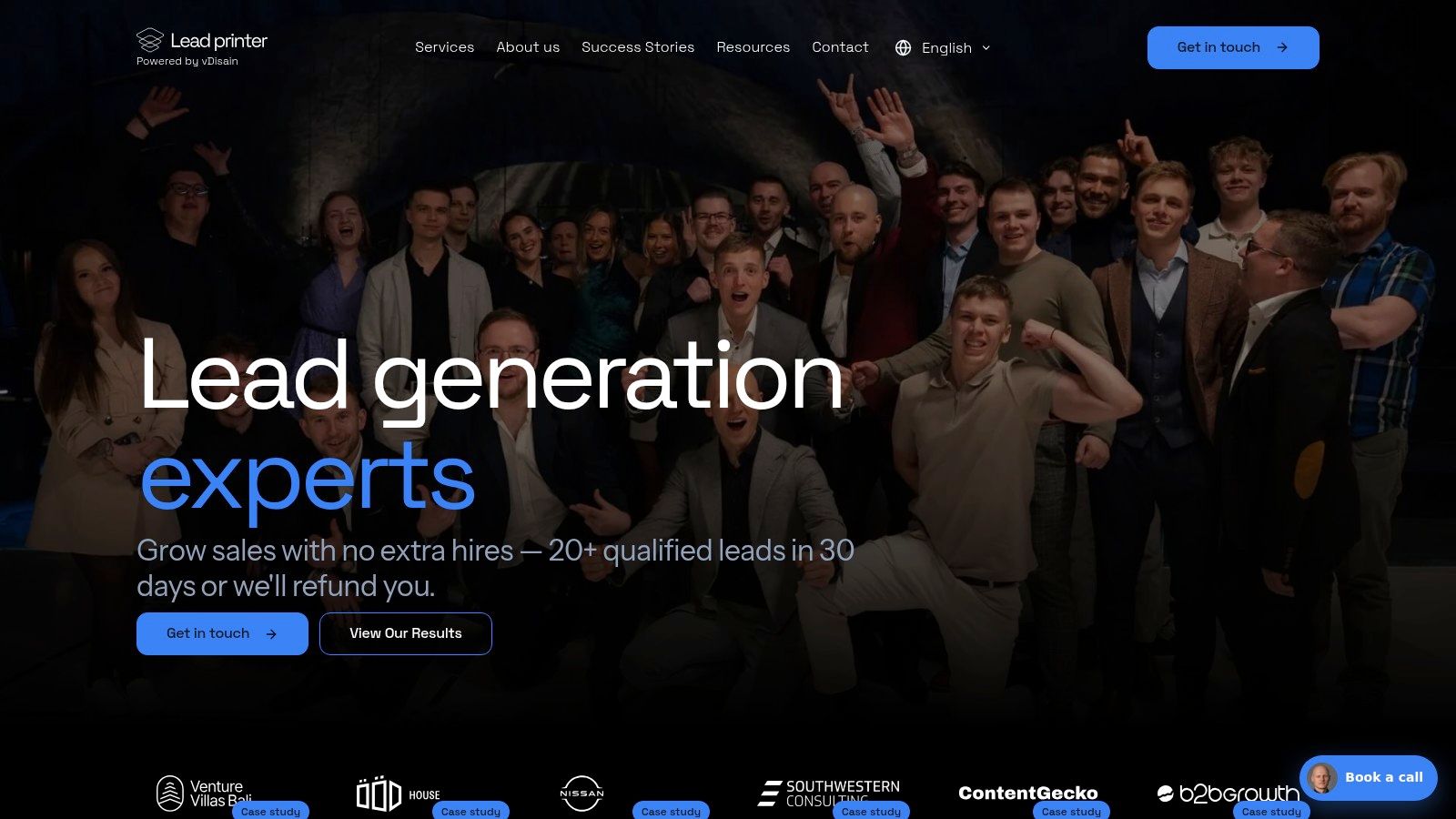
Best for teams that want managed outbound execution rather than another platform to administer. Lead Printer isn't a substitute for a contact database alone. We build and run the connected process, including infrastructure, prospect research, enrichment, personalized messaging, email and LinkedIn outreach, optimization, and lead handoff.
Our research process combines Clay with prospect discovery through LinkedIn Sales Navigator, Google Maps, and targeted websites. That matters when a useful prospect definition goes beyond job title and industry, such as merchants using a particular payment setup or manufacturers serving a specific business market.
What You Delegate and What You Keep
We handle infrastructure setup and warm-up, build segmented lists, and write sequences informed by technology stacks, competitive context, and geography. Localized outreach supports relevant markets across the US, UK, and EU.
- Operational advantage: Research, copy, sending, and qualification sit within a coordinated workflow rather than separate vendor queues.
- Evidence of scale: For Noda, we scaled lead generation from approximately 50 to 300 leads per month.
- Commercial boundary: We generate leads. Your team still owns sales conversations, proposals, and closing.
The trade-off is control versus operator workload. A managed program suits a company with a clear offer and sales capacity, but it doesn't eliminate the need for client feedback on prospect quality.
Before delegating: Agree on what makes a lead qualified, who handles replies, and how sales will report rejected opportunities.
I'd choose this route when the missing resource is campaign ownership, not access to software. Give the operator clear exclusions, credible proof points, and a named sales owner before launch.
2. Apollo.io
Apollo is a practical starting point when prospect discovery and basic outreach need to live together. Apollo.io combines contact search, enrichment, and email sequencing, which can reduce the handoffs a small outbound team needs to maintain.
The attraction is simplicity: build a segment, inspect the contacts, and move suitable records into outreach without assembling a separate research workflow immediately. That's useful while you're still testing which buyer role responds to your offer.
Where the Convenience Stops
A database match isn't proof that someone belongs in your campaign. Check whether the company sells to your target market, whether the contact owns the relevant problem, and whether the email remains usable.
- Works well for: Teams testing a focused audience with straightforward firmographic filters.
- Watch closely: Credit consumption, duplicate exports, and records that look complete but lack meaningful buying context.
- Integration move: Sync ownership and suppression fields with your CRM before enabling campaign enrollment.
Avoid letting Apollo and your CRM independently decide who should receive outreach. Pick a system of record and make exclusions authoritative.
If your requirements center on regional coverage, deeper research, or a different sending workflow, compare these Apollo.io alternatives against the specific gap. Replacing the entire platform because a narrow segment performed poorly can create more work than fixing the segment.
3. ZoomInfo
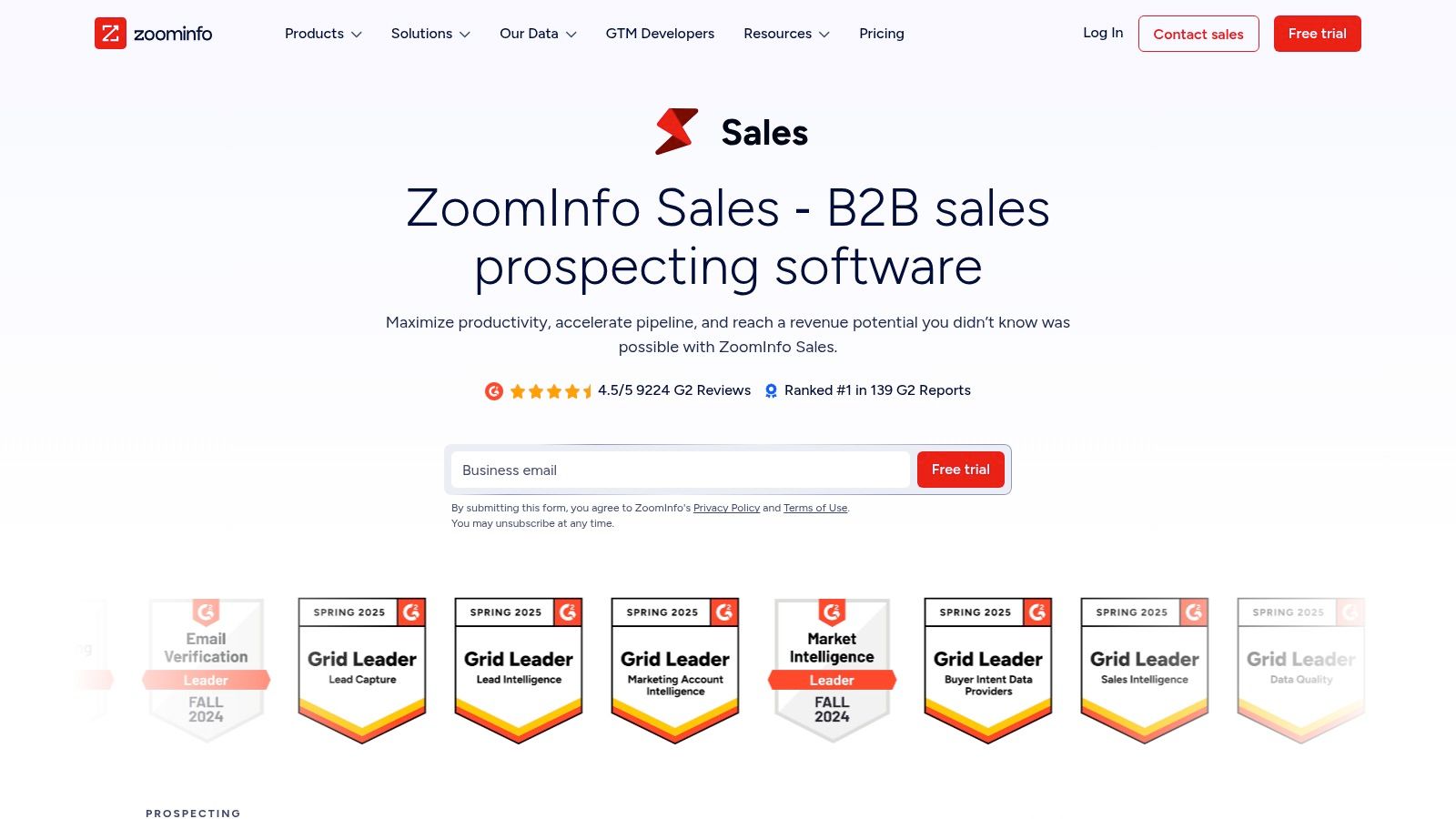
Say your software sells into complex organizations, and the relevant buyer depends on department structure, technology use, and account priorities. ZoomInfo belongs on that shortlist because its role extends beyond finding an email address.
Company intelligence, organizational context, and account signals can help researchers decide where to focus. The trade-off is that a richer data environment demands clearer targeting rules, otherwise reps export larger lists without improving relevance.
Evaluate the Contract Against the Workflow
ZoomInfo is better evaluated as a shared sales-intelligence resource than an occasional lookup utility. Its quote-based buying process makes scope, access, export rights, and renewal terms important parts of the decision.
Before committing, test representative accounts from your actual market. Include difficult segments, subsidiaries, and less-visible decision-makers rather than accepting a demonstration built around recognizable companies.
A large database is useful only when your team can reliably extract the accounts and people your offer fits.
For CRM integration, define how enrichment handles existing fields. Preserve rep-verified information instead of allowing automated updates to overwrite it indiscriminately.
The ZoomInfo alternatives comparison is useful when you need to separate enterprise account intelligence from simpler contact acquisition. Don't pay for organizational depth if your outbound motion only needs a narrow, well-defined contact list.
4. Cognism
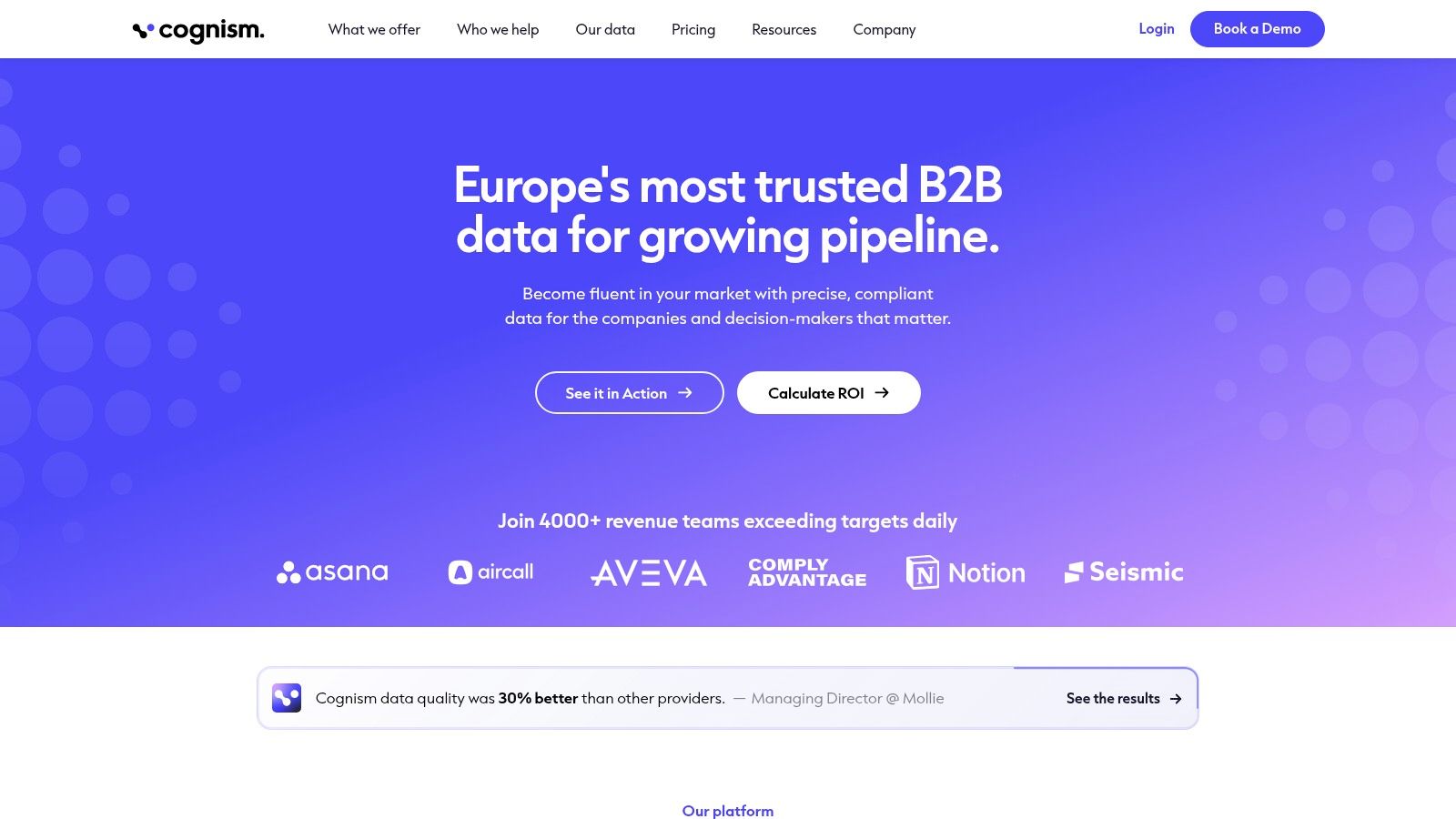
European prospecting deserves a coverage test of its own. Cognism is worth evaluating for teams selling across the UK, EU, and US, particularly when contact information, mobile data, and CRM enrichment matter to the sales motion.
Its compliance-oriented positioning is relevant, but buying a data subscription doesn't decide whether your outreach practices are appropriate. Your team still needs documented sourcing, suppression handling, and a defensible approach to each market.
- Strong fit: Sales teams combining account research with email and phone outreach.
- Main limitation: Customized pricing and credit consumption require a realistic usage model.
- Avoidable waste: Paying for advanced signals when reps only use basic contact search.
Test the Market You Actually Sell Into
Build an evaluation sample around target countries, buyer roles, and company types. Check whether the available contacts have decision-making relevance, not merely whether a phone field is populated.
For integration, distinguish missing-field enrichment from replacement updates. Keep source and verification information attached to records so sales operations can investigate discrepancies.
Cognism's value depends on the contact coverage and workflow your team will use. Review Cognism alternatives if your requirements are narrower, or if your main bottleneck is campaign execution rather than prospect intelligence. More data won't fix a poorly defined account segment.
5. Lusha
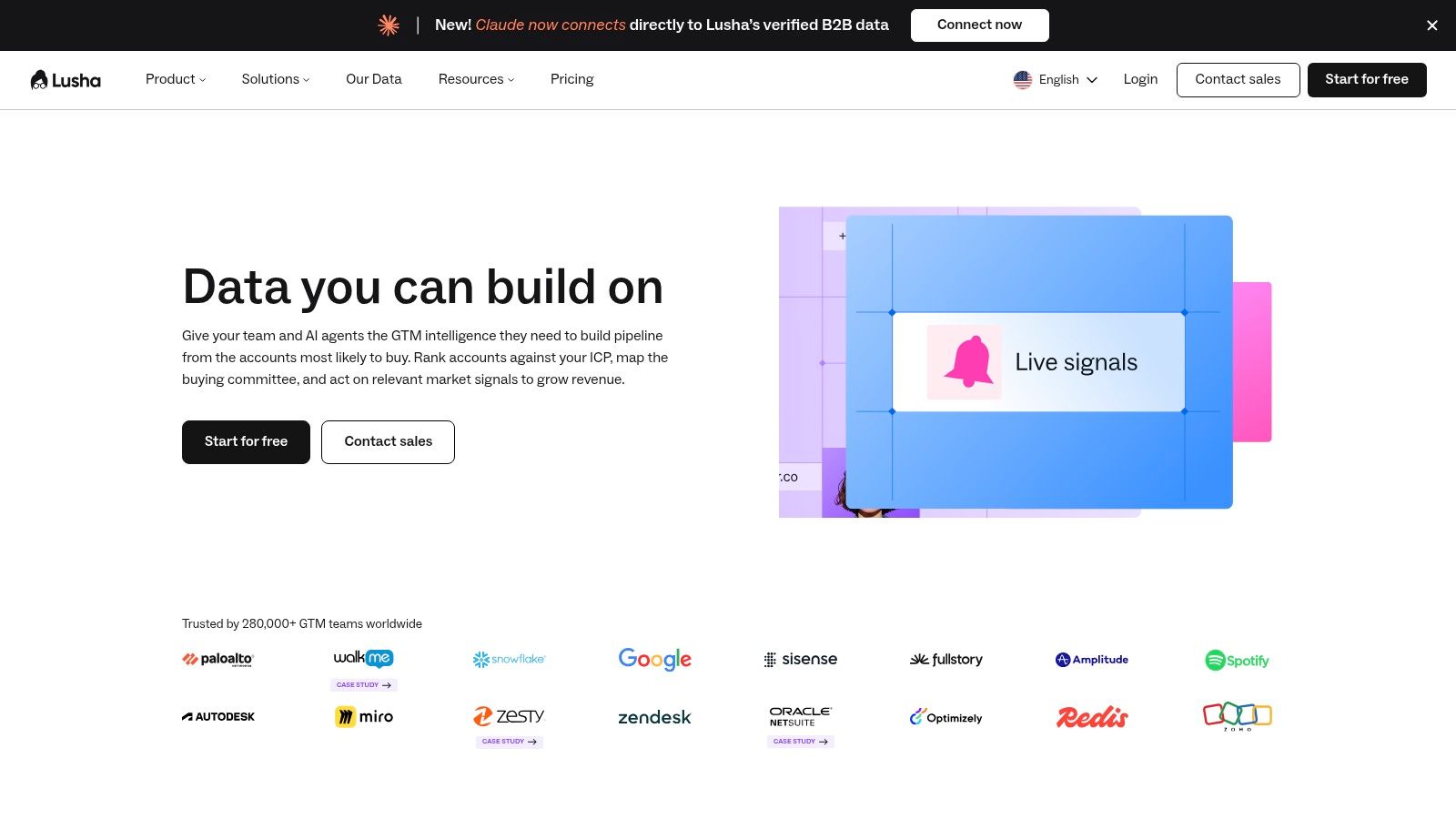
A rep researching a company often needs contact details, not an elaborate automation canvas. Lusha fits that contact-discovery job, with prospecting, enrichment, and a browser extension that supports research alongside existing sales tools.
That makes it attractive for selective, account-led work. The limitation appears when the team expects contact lookup to become campaign orchestration, qualification, and reporting without additional systems.
Keep Lookups Deliberate
Use Lusha after establishing that an account belongs in your target market. Revealing contact information before checking company fit wastes credits and leaves your CRM crowded with people nobody should approach.
- Useful strength: Contact research can stay close to the rep's existing browsing workflow.
- Cost consideration: Different reveal actions consume credits differently, so model email and phone requirements separately.
- Workflow boundary: Plan where contacts go next, including verification, CRM ownership, and outreach enrollment.
For a merchant-focused fintech campaign, establish the merchant's geography and operating model before looking for the finance or payments owner. The title alone won't tell you whether the company can use your product.
I'd favor Lusha when reps need targeted contact access and already have a working engagement platform. If the problem is repeatable account research, add a defined enrichment process rather than asking reps to collect unstructured notes.
6. UpLead
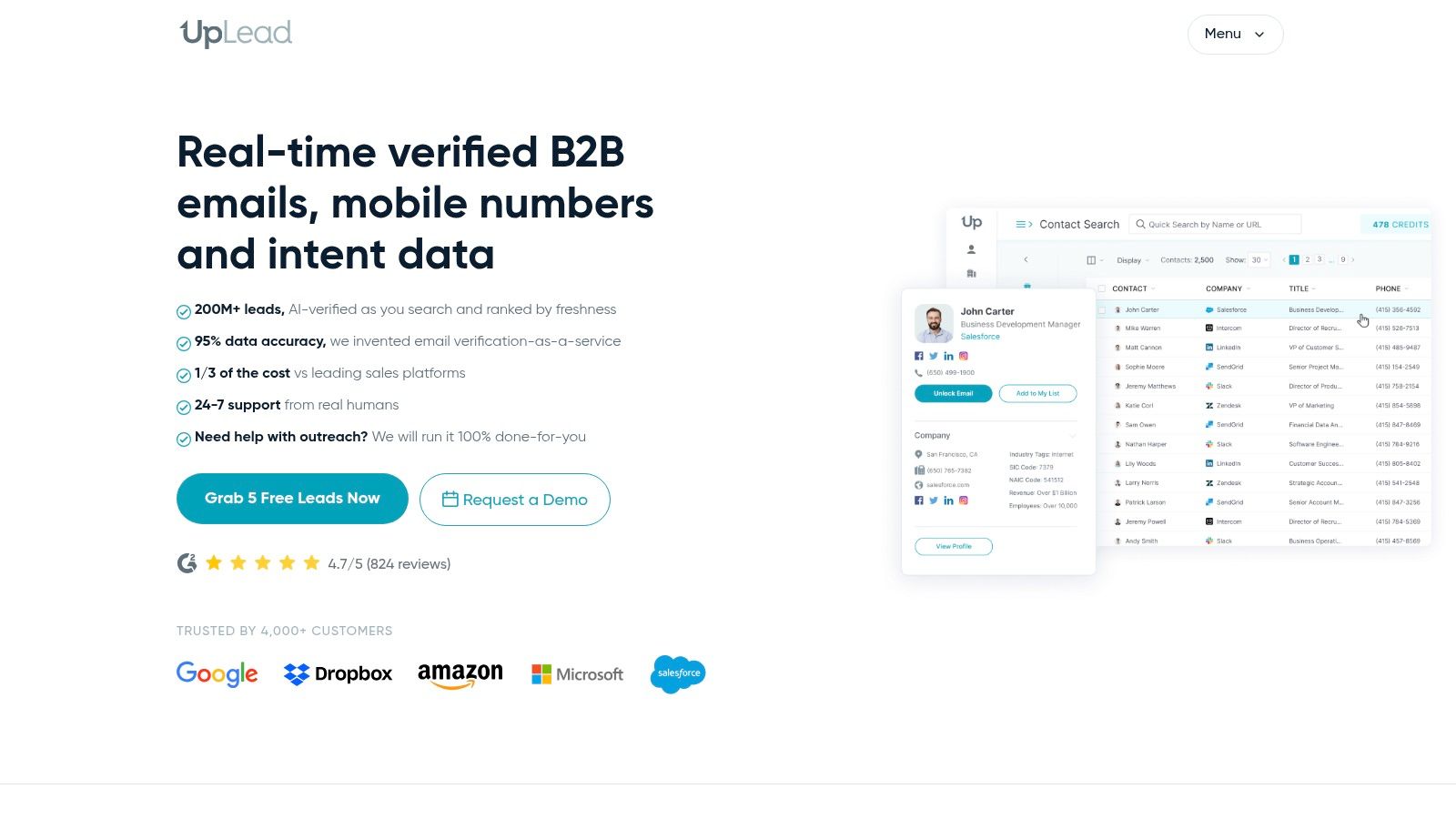
Excluding the wrong records is as important as finding new ones. UpLead supports B2B prospect search and enrichment, with company and technology filters that can help software teams build narrower audiences.
Its suppression capabilities deserve attention. Existing customers, active opportunities, partners, and previously rejected accounts shouldn't reappear in a campaign just because they match a fresh database search.
Build the Export Around the Campaign
Start with the selling hypothesis. If your integration solves a problem associated with a particular technology, use that technology as a targeting input, then validate whether the account has the relevant use case.
- Best use: Structured prospect acquisition feeding a CRM or sales-engagement platform.
- Limitation: Credit-based access needs planning, and advanced capabilities depend on the package.
- Integration priority: Apply CRM suppressions before export, then deduplicate again before sending.
An email marked verified still needs operational judgment. Verification doesn't establish that the person remains responsible for the problem, wants the message, or should bypass your suppression rules.
UpLead is a data layer, not an outsourced pipeline program. Choose it when your team can already write relevant campaigns, operate sending infrastructure, and handle replies. Otherwise, cleaner exports may reach an unfinished outbound process faster.
7. Clay
Clay is for questions a standard database filter can't answer. Clay combines enrichment sources, research workflows, and conditional logic so operators can turn a broad account list into campaign-ready segments.
For example, a SaaS team might need to identify whether a manufacturer operates a dealer network, supports a relevant integration, or advertises a specific service. Those details can change the outreach angle more meaningfully than a generic company description.
Research Before Personalization
In G2's April 2025 survey of 1,169 B2B decision-makers, reported by Business Wire, 29% said they begin research with large-language-model tools more often than Google. Keep account evidence structured enough for a salesperson to inspect and use, rather than generating disposable opening lines.
Clay's flexibility also creates work. Someone must design fallback logic, monitor provider costs, and decide what happens when research returns ambiguous results.
- Store evidence: Retain the supporting page and the underlying finding.
- Handle uncertainty: Route unclear results to review rather than inventing a confident answer.
- Control spending: Qualify accounts before running expensive enrichment steps.
A waterfall can improve your chances of finding a field, but it can also multiply unnecessary actions. I'd use Clay when custom qualification changes whom you contact or what you offer, not merely to produce more elaborate compliments.
8. Instantly
Instantly handles the sending stage, not the responsibility for sender reputation. It connects email accounts, supports warm-up, runs campaigns, and centralizes replies, with data capabilities available separately.
That separation is useful when your research layer already works. You can keep list preparation outside the sending platform and upload only approved, deduplicated contacts.
Treat Mailboxes as Production Infrastructure
The Mailgun state-of-deliverability findings describe bulk-sender requirements covering SPF, DKIM, DMARC, one-click unsubscribe, and complaint control. Configure those foundations before treating campaign capacity as usable sending capacity.
- Before launch: Check authentication and alignment for every sending domain.
- During sending: Monitor bounces, complaints, mailbox-level activity, and reply quality.
- When results deteriorate: Investigate the affected segment and sending identity before increasing volume.
Warm-up isn't permission to send irrelevant messages. Nor does an accepted email prove inbox placement.
Instantly suits teams that want dedicated campaign execution without forcing all prospect research into the same product. Its operational trade-off is that someone still needs to govern account health, contact uploads, suppression, and reply handling. Choose a plan around a validated workflow, not the largest volume allowance you can afford.
9. Smartlead
Managing outbound across accounts or clients introduces a different problem: keeping identities, replies, and operating rules separate. Smartlead focuses on multi-account email execution, with agency-oriented capabilities available across its offering.
That makes it a sending-platform comparison with Instantly, not a direct substitute for Clay or a prospect database. Evaluate the campaign-management workflow your operators will use daily.
Authentication Isn't the Finish Line
Mailgun's deliverability impact report distinguishes authentication practices from the broader work of maintaining deliverability. A message can pass authentication while still being irrelevant, unwanted, or commercially ineffective.
Operational rule: Diagnose targeting, authentication, and sender reputation separately. Changing copy won't fix an authentication failure.
For agencies, organize client access, reply ownership, suppression, and reporting before scaling campaign volume. Verify which workspace and infrastructure capabilities belong to the package you're evaluating.
The main advantage is centralized sending operations. The limitation is that prospect research, qualification logic, and meaningful business reporting may still require other systems.
When comparing Smartlead with Instantly, inspect how each handles your actual reply-routing and account-management needs. The better choice is the platform your team can operate consistently without losing prospect context between the campaign and CRM.
10. Leadfeeder
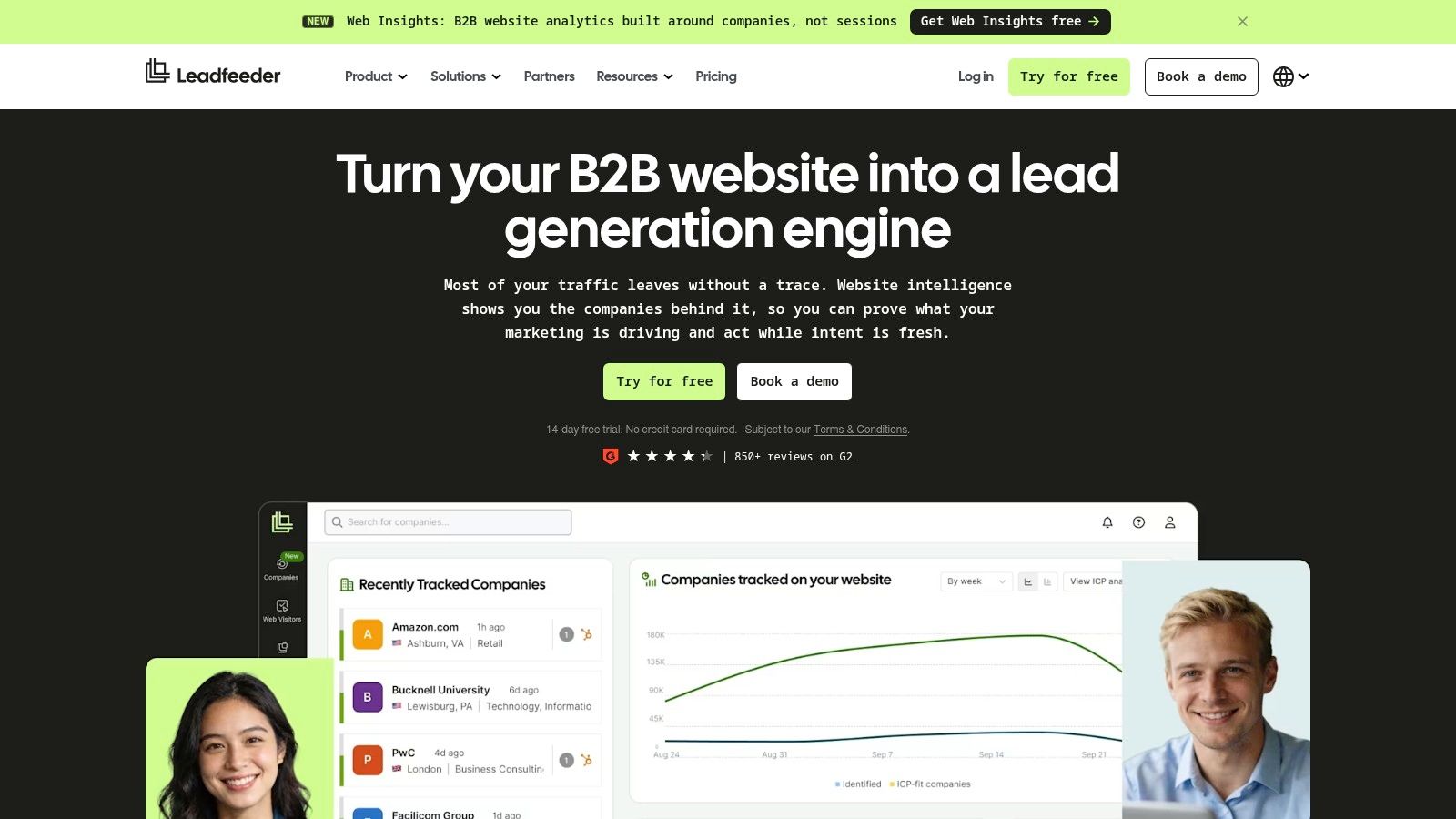
A relevant company visits your integration pages but never submits a form. Leadfeeder can help surface that company-level activity, giving sales a reason to investigate an account that might otherwise remain invisible.
The distinction matters: identifying a company doesn't automatically identify the individual visitor. Treat the activity as account context, not proof that a particular executive read your pricing page.
Use Visits to Prioritize, Not Presume
- Check fit first: Exclude irrelevant companies, service providers, and accounts outside your selling territory.
- Interpret the pages: Product and integration activity can justify different follow-up research from a careers-page visit.
- Route carefully: Send existing opportunities to their account owner instead of enrolling them in generic outbound.
A useful sequence is company identification, fit review, contact research, then relevant outreach. Don't write a message that implies surveillance of an individual you haven't identified.
Leadfeeder's limitation is upstream: it depends on relevant companies reaching your website. It won't capture every private buying conversation or every interaction inside an AI research tool.
I'd add it once the website attracts suitable B2B traffic and the team has a process for acting on account signals. Without routing and follow-up ownership, visitor identification becomes another dashboard people occasionally inspect.
Lead Generation Tech Stack at a Glance
| Primary Role in Your Stack | Starting Price | Free Plan or Trial | Best For |
|---|---|---|---|
| Lead Printer (Recommended): Full-service B2B lead generation | Not publicly listed | Free pipeline audit | Teams seeking managed, end-to-end outbound and qualified leads |
| B2B prospecting database and email sequencing | $49 per seat/month, billed annually | Free tier | Startups and SMBs wanting prospecting and basic outreach in one platform |
| Enterprise sales intelligence and prospect data | Quote-based | Not specified | Enterprise teams with complex prospecting needs |
| B2B sales intelligence and contact enrichment | Quote-based | Not specified | Teams selling in the UK, EU, and US that need prospecting and enrichment |
| Contact data and prospecting | $37.45/month, billed annually | Free tier | Teams seeking contact details, list building, and CRM integrations |
| B2B prospecting and data enrichment | $74/month, billed annually | Not specified | Teams searching verified contacts with company and technology filters |
| Data enrichment and workflow automation | Paid pricing not specified | Free plan | Growth teams building custom research and enrichment workflows |
| Cold-email campaign sending and management | $47/month for outbound; data plans from $9/month | Not specified | Teams running cold-email campaigns across multiple sending accounts |
| Outbound email campaign management | $39/month | Not specified | Teams and agencies scaling email outreach across multiple accounts |
| Website visitor identification | $79/month, billed annually | Free plan and 14-day paid-plan trial | B2B teams prioritizing companies visiting their website |
Assembling the Stack by Workflow Stage, Not Hype
Start with a data source, an enrichment layer, a sending platform, and a signal tool. You may not need every layer immediately. Apollo can cover prospecting and basic sending, while a more specialized workflow might pair Cognism or UpLead with Clay and a dedicated sending platform.
Choose based on the missing capability. If reps can't find suitable accounts, fix targeting and coverage. If they find accounts but lack a credible reason to contact them, improve research. If relevant campaigns struggle to reach recipients, investigate infrastructure before purchasing more data.
Make the Handoffs Explicit
A working stack needs rules for how records move, not just integrations that technically connect.
- Data to enrichment: Pass account identifiers, source information, exclusions, and the qualification question.
- Enrichment to sending: Require verified contact fields, an approved segment, and evidence supporting personalization.
- Sending to sales: Transfer the reply, account context, qualification details, and a named owner.
- Sales to operations: Return rejection reasons and opportunity outcomes so targeting can improve.
Track qualified replies, meetings, opportunities, and commercial outcomes alongside technical health. A campaign can produce replies without producing suitable buyers. It can also appear weak because sales never received the relevant context or responded promptly.
Avoid paying repeatedly for the same function. Separate database access, enrichment usage, sending subscriptions, mailbox costs, and operator time when comparing options. You can compare lead generation software for 2026 for additional discovery, but evaluate each candidate against a specific workflow requirement rather than its position in a ranking.
Deliverability setup, list quality, and message relevance remain the operating priorities. Authentication doesn't replace relevance, and buying signals don't justify pretending to know more about a prospect than you do.
For teams that prefer outcomes to tool administration, we take responsibility for those connected stages. We start generating leads from day one after launch, then monitor performance and refine the program. Our commitment is a minimum of 20 qualified leads per month or a refund, subject to our terms, not a promise that every lead will become revenue.
Book a quick demo for an honest assessment of whether outbound fits your business. The useful starting point is your offer, target market, and sales capacity, not a shopping list of subscriptions.
Lead Printer connects prospect research, enrichment, sending infrastructure, and personalized outreach into a managed outbound program. Visit Lead Printer to book a quick demo and discuss which accounts to target, how leads will be qualified, and whether your sales team is ready to turn them into opportunities.